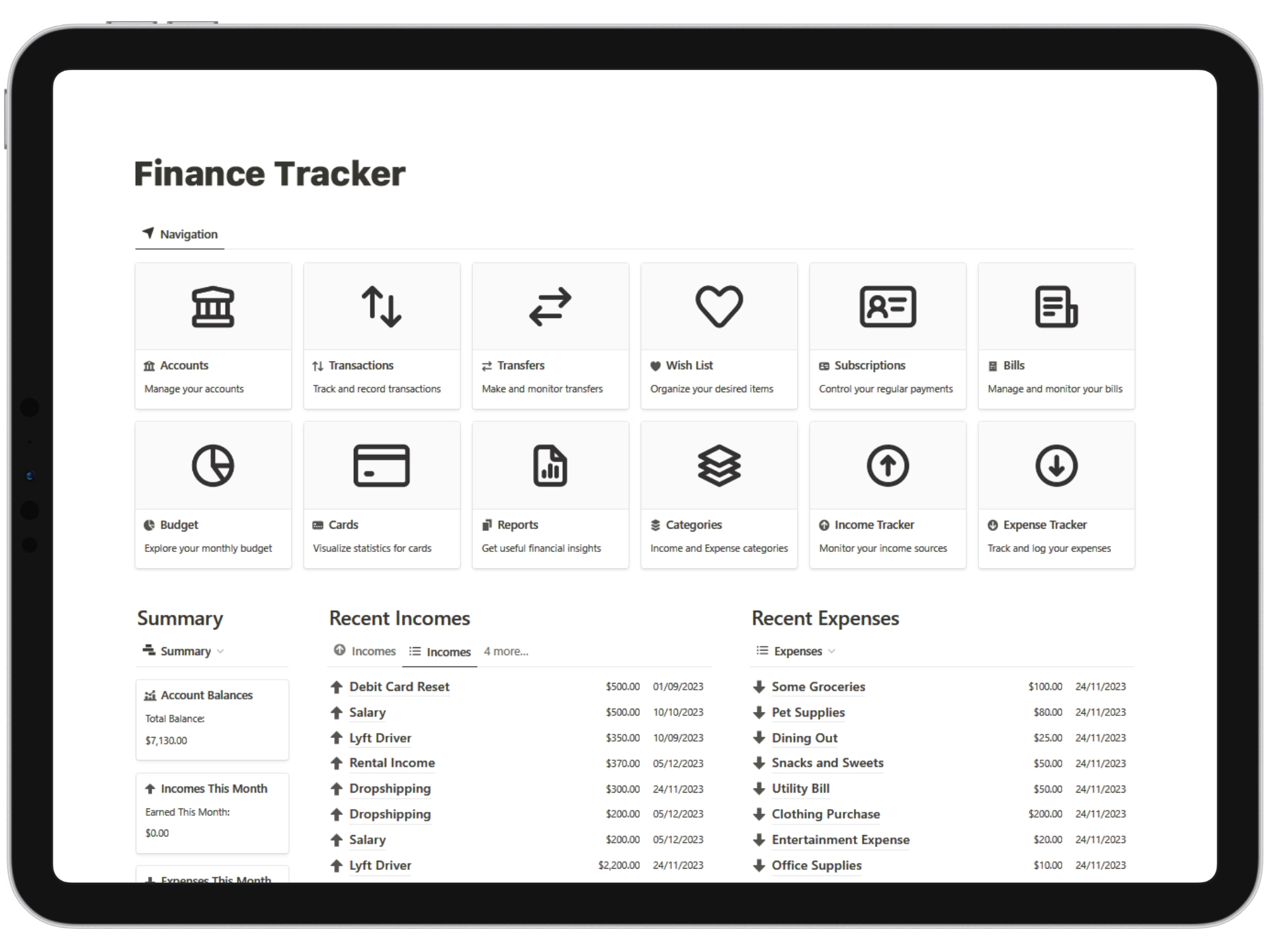
Take control of your personal finances in Notion
Track spending, bills, budgets, subscriptions, debts and reports in one clean system you can start using today.




Based on 190+ reviews



Track spending, bills, budgets, subscriptions, debts and reports in one clean system you can start using today.
Based on 190+ reviews
TRUSTED BY TEAMS AT





Track, plan, and decide faster; without spreadsheets.

Clean breakdowns by category and date.

Bills and subscriptions, never overdue.

Quarterly reports that write themselves.
Focused tools that cover every step, from logging to reporting.
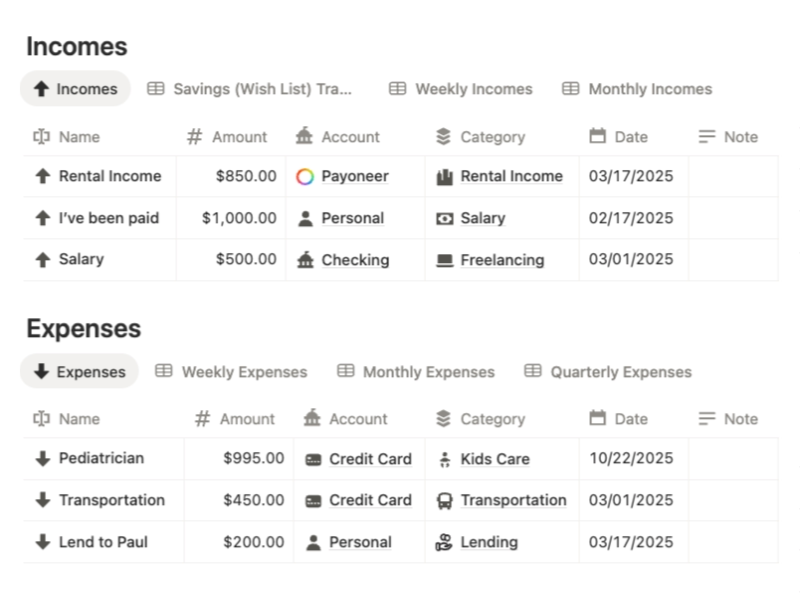
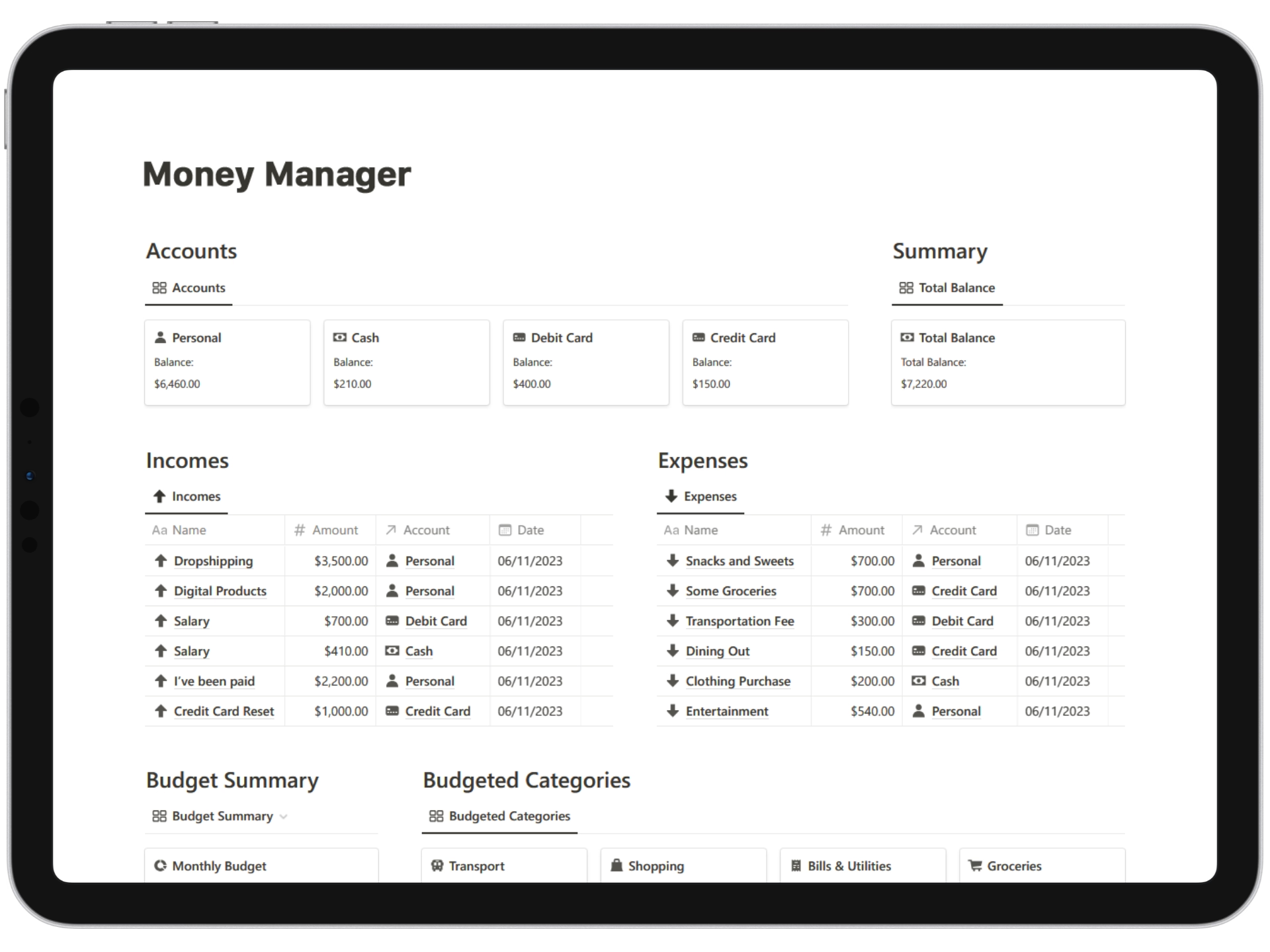
Log incomes and expenses in seconds; auto-group by date and category.
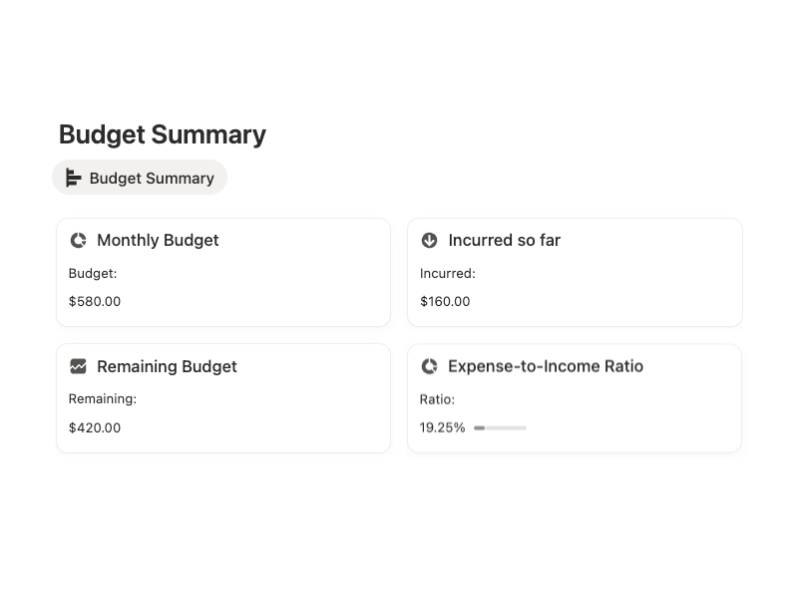
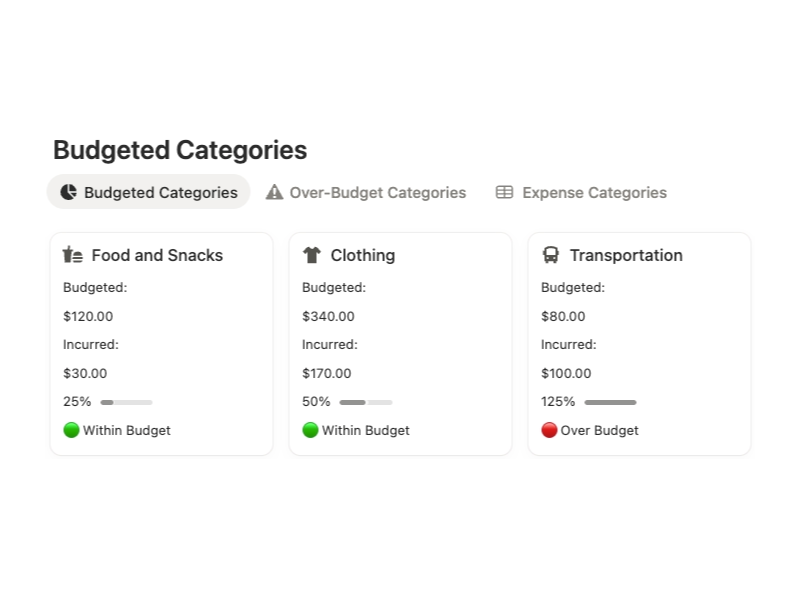
Monthly spend caps by category with progress bars that keep you honest.
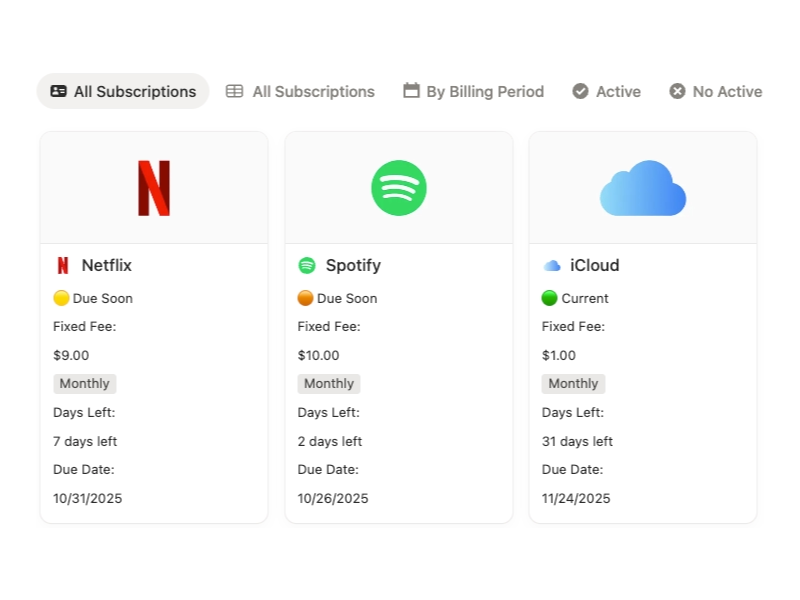
Track renewals, amounts, and next charge. Never miss a billing cycle.
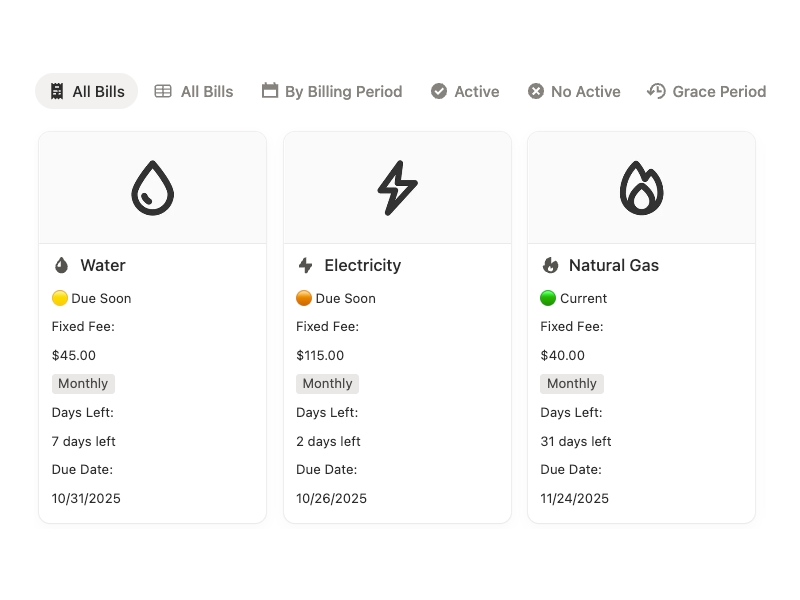
Due dates, statuses, and payment history in one clean tracker.
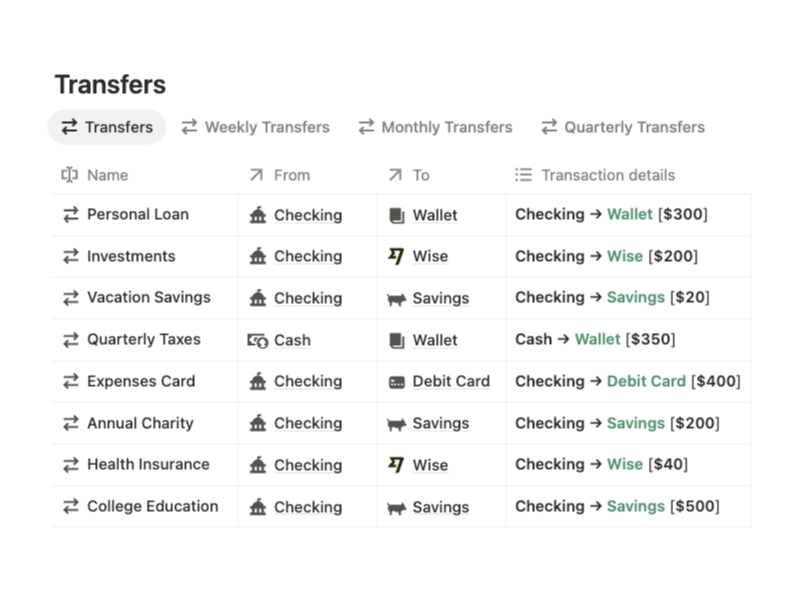
Move funds between accounts and keep balances accurate.
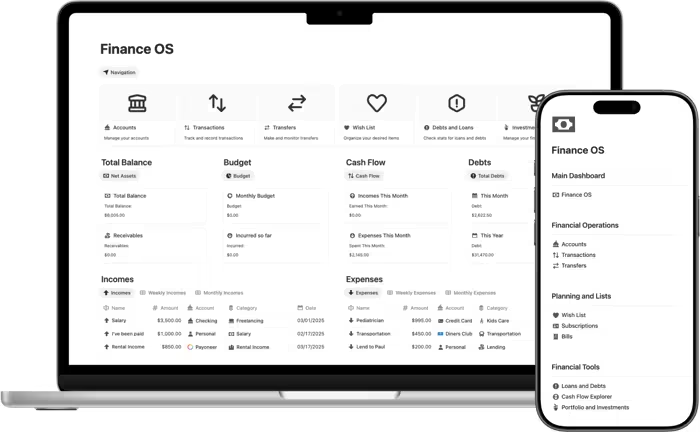
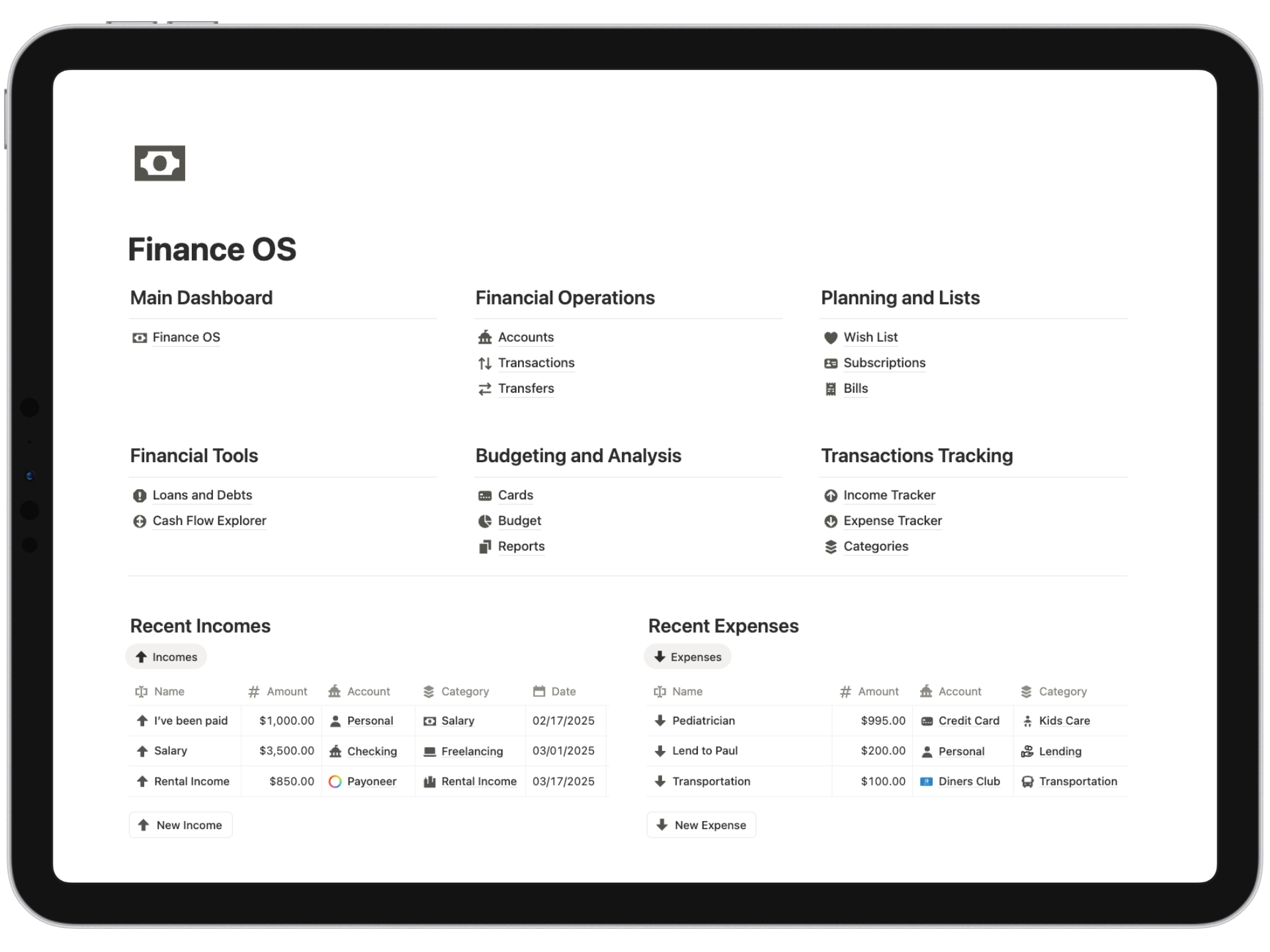
Everything is connected, so you can go from logging an expense to checking bills, transfers, budgets or reports in seconds.
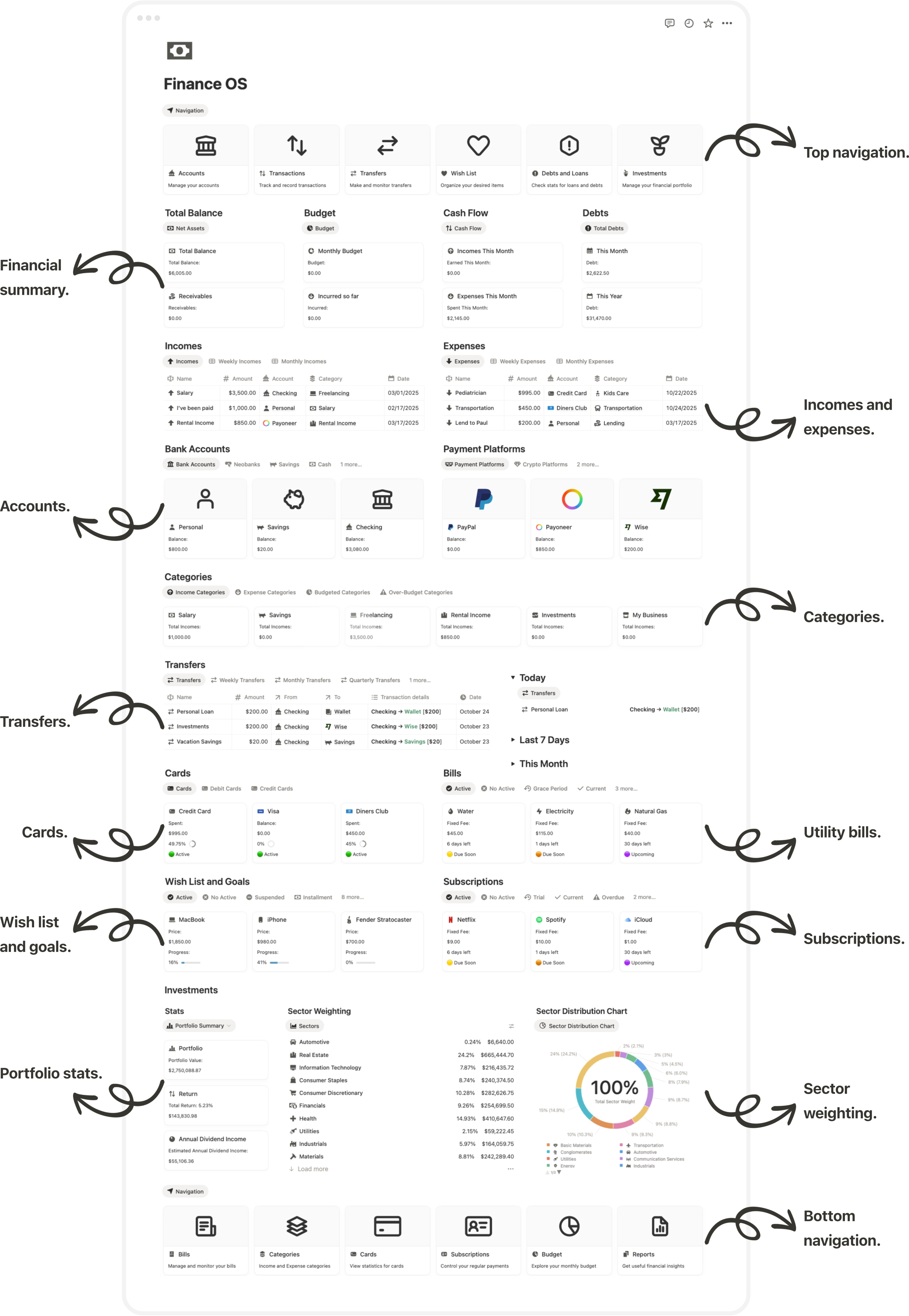
Get a detailed summary of your finances with a comprehensive dashboard.
A reliable base for personal finance, ready to adapt to any routine.

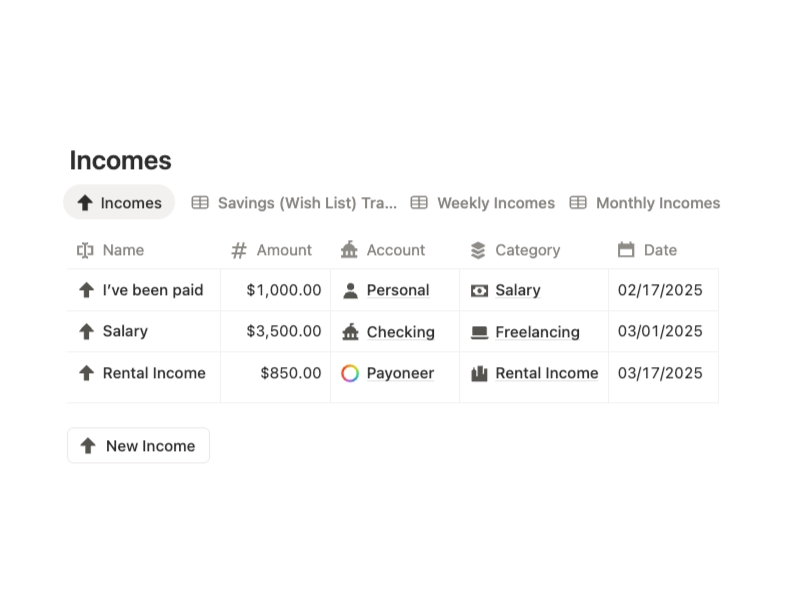
Fast capture of incomes and expenses with category, account, and date fields for accurate breakdowns.

Category-level budgeting that highlights overages, under-spend, and ratios across months.

Centralized ledger for bills and renewals, including reminders and full payment history.
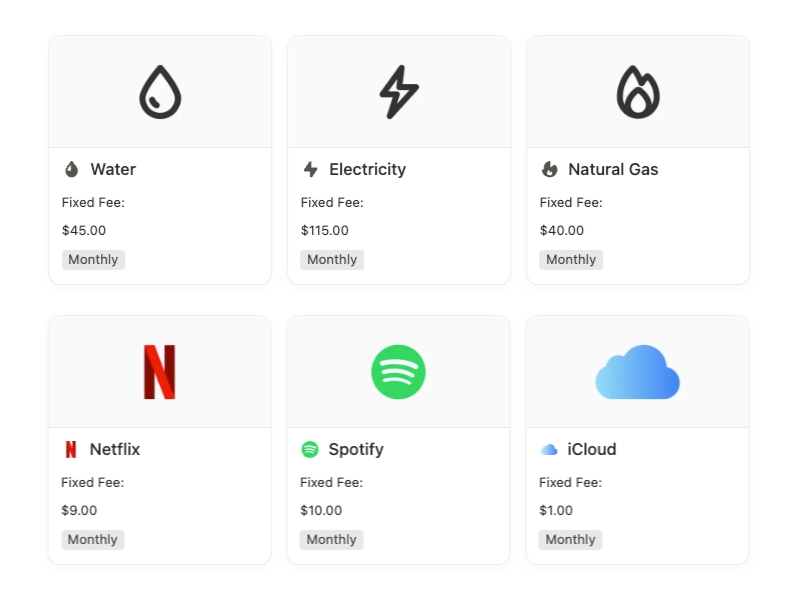

Auto-compiled reports by period covering income, expenses, transfers, and category summaries.
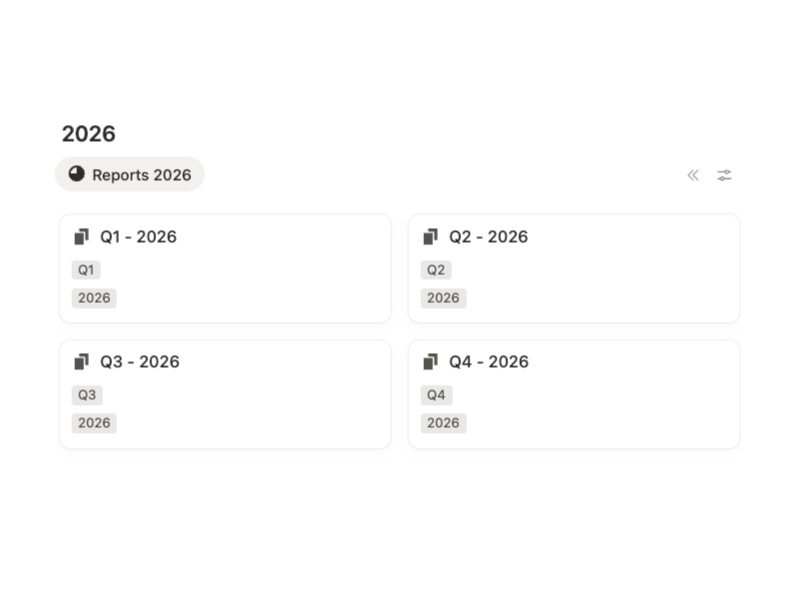
Ready-to-use categories, accounts, and reports.

Same template, each locked to a single currency.

Extensive taxonomy for precise spending classification.

Predefined labels that standardize revenue tracking.

Presets for banks, cash, checking, credit, and payment platforms.

Per-category limits with live progress and variance.

Reports compiled by quarter for clear performance review.
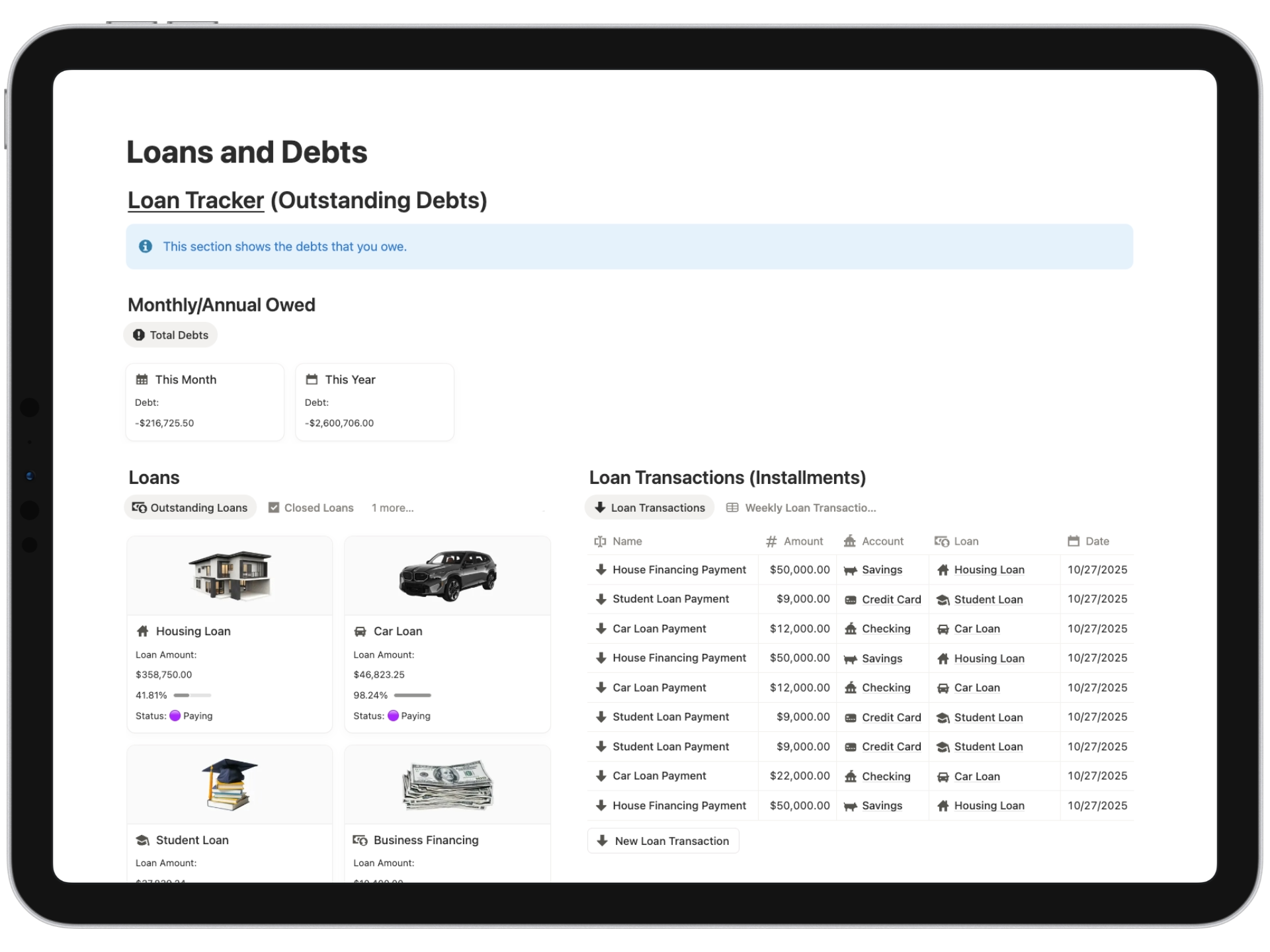
Dedicated pages for loans, wish list, bills, and subscriptions; structured and clear.
Balances, rates, installments, and deadlines tracked per loan with payment history.
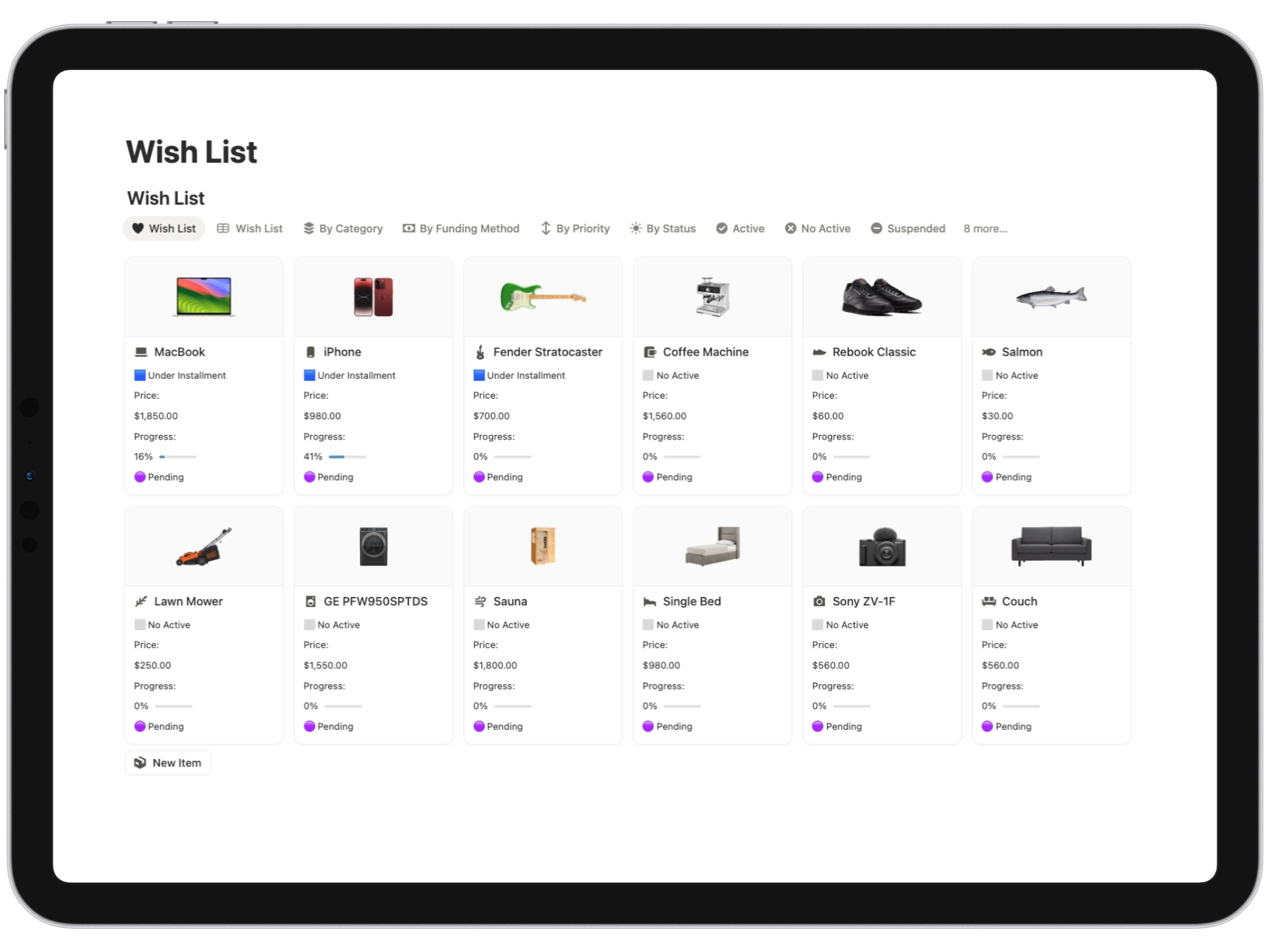
Visual tracker for goals showing price, contribution history, and completion percentage.
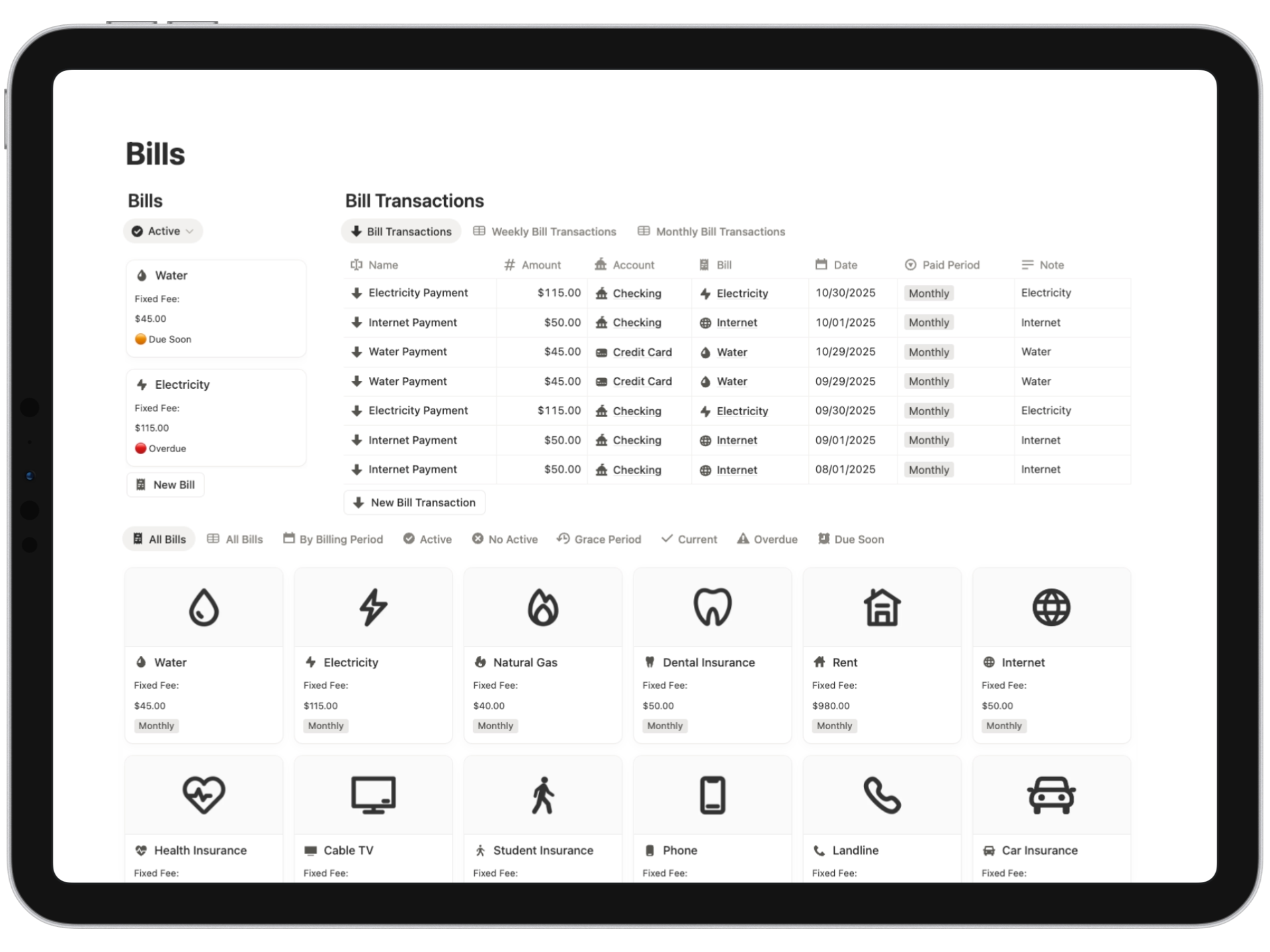
Recurring bills organized by due date with statuses: due soon, current, overdue.
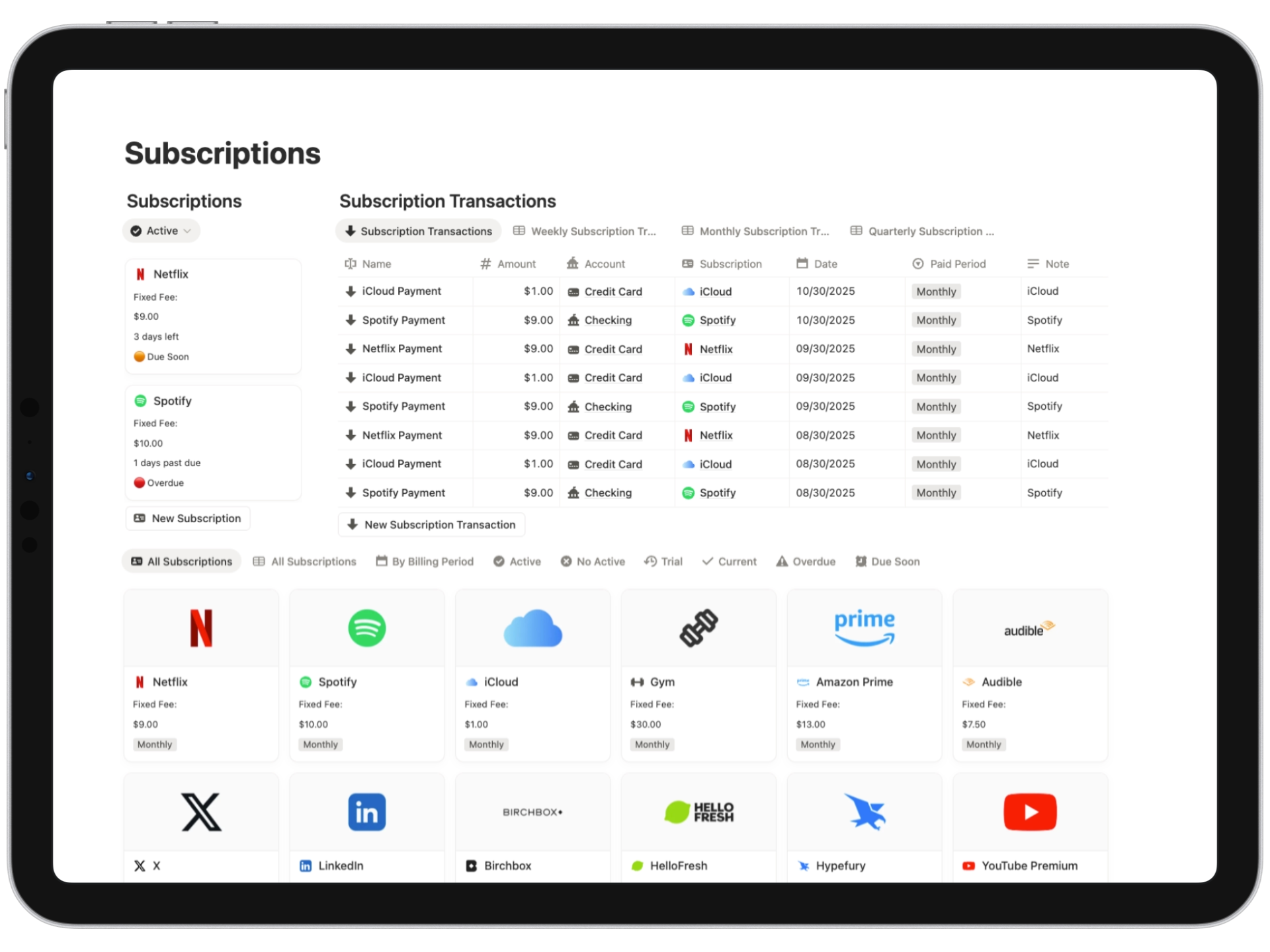
Services tracked with plan, renewal date, amount, and status indicators.
Start with the basics, and unlock advanced finance features only when you're ready.
Each tier includes the core toolkit; Essentials adds presets; Advanced includes investments with TradingView widgets.
See why our templates are customer favorites.
"I particularly liked the monthly budget progress bar feature without having to worry about assigning each transaction to a specific month (like in other templates). I can keep track of how much I've spent in each category so far."

"Love it. Very helpful for tracking finances."

"It comes with a ton of examples, illustrations, instructions, and videos. I spent the whole Saturday reading and exploring the functions of this template. It's really comprehensive and complete, thank you for this."

"I admit that it was a bit overwhelming to use at first, but nothing too complicated when you realize there are only two types of transactions in this template. I recommend it 100%. Super useful 😍."
"I loved the wishlist, it’s beautiful. My aunt told me about this template."

"Aesthetically, it’s a very beautiful template. It has the unique feature of including cover images in both light and dark modes. I liked the bills and subscriptions section, thank you Flocelo."

“Ever since I started using this template, I've been more organized with my finances. Something in me changed; I was able to save more money and figure out where I was wasting it.”

Lifetime access and unlimited updates for your selected template.
For individuals who want the basics
For users seeking more functionality
Suited for users wanting more features

By completing a purchase on Flocelo, the customer agrees to our Terms and Conditions. A product is considered delivered once the checkout is completed and the customer receives the link to duplicate the template in Notion. Customers are expected to have basic knowledge of Notion or the ability to use the platform independently. Unless explicitly stated otherwise in the product description, all templates are provided in English. It is the customer’s responsibility to review and confirm the features, specifications, and requirements of each template prior to purchase. Certain functionalities (such as Notion AI, charts, or workspace user limits) may only be available with a paid Notion Plus or Business subscription; customers are solely responsible for maintaining the appropriate subscription if required. All templates include usage instructions or tutorials, either written or video-based. For additional support, please contact flocelonotion@gmail.com
Got questions about Notion or this template? Here, we've compiled answers to some commonly asked queries.
The main difference is that any version of Finance OS includes a Debt Tracker, a Loan Tracker, and a Cash Flow Explorer. Additionally, the Advanced version has a Stock Portfolio. These features are not available in the Finance Tracker Extended.
When you purchase any version, you will have access to 10 Finance OS templates with different currencies, so you can use the one that suits you best or use multiple at the same time.
The Standard version includes 33 accounts in total, which cover bank accounts, payment platforms, cryptocurrency platforms, savings accounts, cash, credit cards, and e-commerce platforms. The Standard version does not include Neobanks.
The Essentials version includes 50 accounts in total, including all accounts in the Standard version, plus 9 accounts from the most popular financial institutions and 8 Neobank institutions. The Essentials version does include Neobanks.
The Advanced version includes 60 accounts in total, including all accounts in the Essentials version, plus 11 accounts from the most popular financial institutions in America/Europe and 16 Neobank institutions. The Advanced version also includes Neobanks and a Stock Portfolio with TradingView widgets to track stock prices and performance.
Regardless of the version you choose, you will receive over 120 cover images with some of the most popular financial institutions in America and Europe. Additionally, you will receive the respective icons of these institutions in .svg format.
The cover images are in .png format.
US Dollar USD ($)
Brazilian Real BRL (R$)
Euro EUR (€)
British Pound Sterling GBP (£)
Canadian Dollar CAD (C$)
New Zealand Dollar NZD (NZ$)
Australian Dollar AUD (A$)
Mexican Peso MXN ($)
Polish Złoty PLN (zł)
The template includes an internal user guide with sections and chapters, as well as videos showing the steps to follow.
Additionally, if you choose the Advanced version, it provides a step-by-step guide on how to create your own pie chart using a free external service to Notion.
You can always contact me here or send me an email at flocelonotion@gmail.com
After purchase, you will receive links that will direct you to the Notion Finance OS templates. Simply duplicate the template to your Notion workspace, and you're ready to start using it!
Absolutely! You can use this template with the free version of Notion without any issues.
For Advanced, be aware that native Notion charts are limited to one per workspace on the free plan.
Yes, you will receive future versions and updates of this template at no additional cost.
Get immediate access to Notion Finance OS. Set up in 3 minutes, easy to use, and no prior Notion knowledge required.
Get Finance OS Now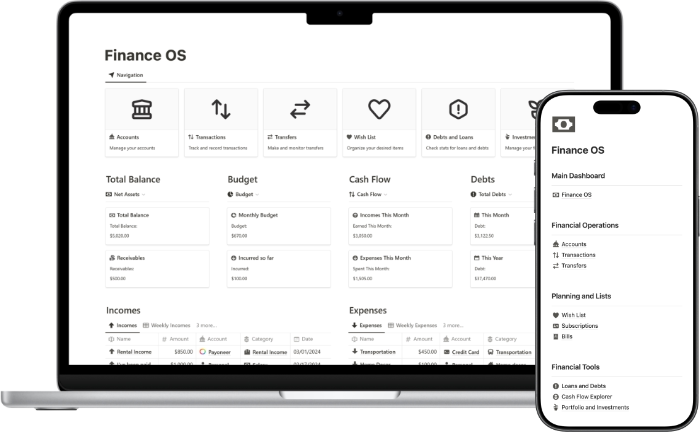


Flocelo
Notion Certified Creator
I’ve helped over 10,000+ individuals worldwide become more organized and boost their productivity with Notion.




Based on 4390+ reviews
Browse related templates